Upgrade Microsoft Dynamics GP 2018 to Dynamics GP 18.9 (GP 2027)
Microsoft Dynamics GP 2018 R2 Upgrade. Trust The Professionals.
Including Microsoft Dynamics GP 2018 R2, 18.2, 18.3, 18.4, 18.5 to 18.9
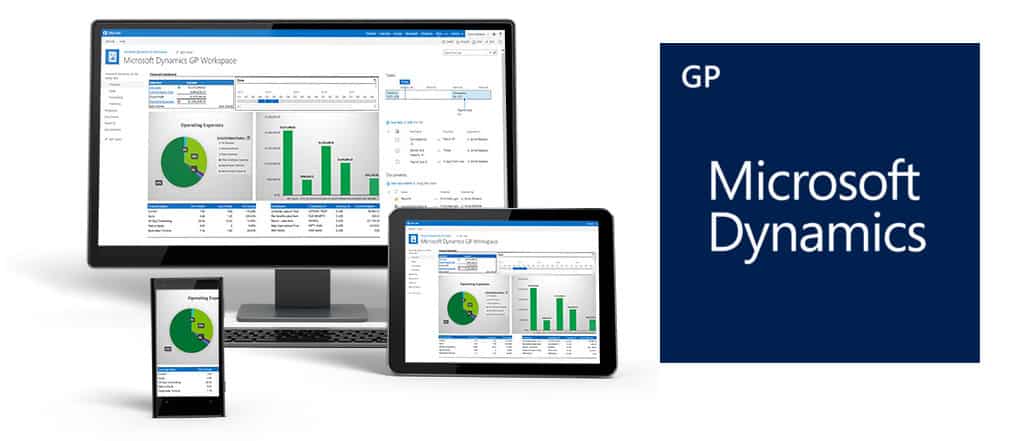
If you're running Dynamics GP 2018, 18.2, 18.3, 18.4, 18.5, 18.6, 18.7 or another earlier 18.x release, now is a good time to review your environment and determine the appropriate path to the latest Microsoft Dynamics GP 18.9 release.
Microsoft released Dynamics GP 18.9, build 18.9.1995, on October 5, 2026.
GP Support North can help assess your existing Dynamics GP environment, determine the appropriate upgrade path and evaluate the infrastructure, integrations, customizations and third-party applications surrounding your GP system.
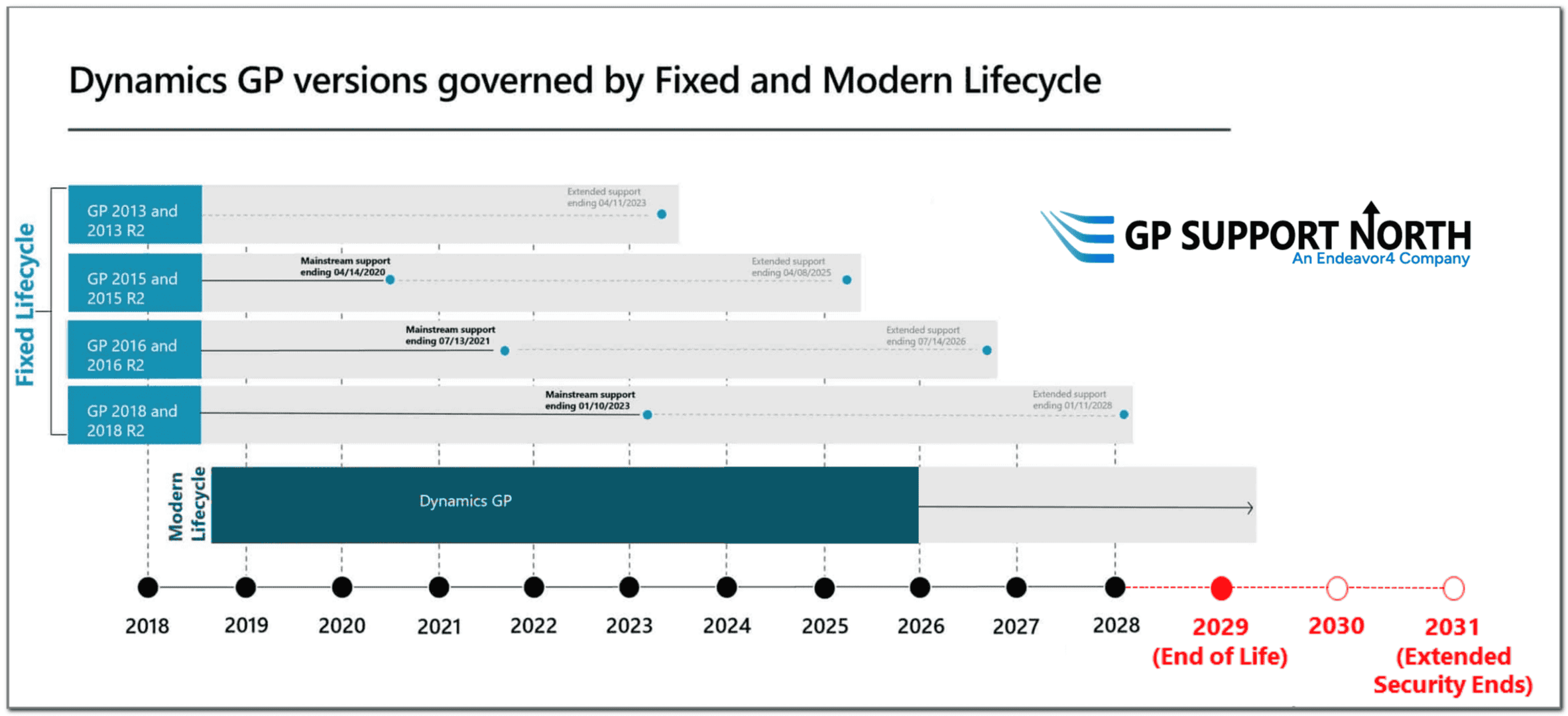
Updating From a Different Fixed Lifecycle? Check Out Our Other Update Support Pages:
What's New GP 18.9 Guide.pdf
 (opens in a new tab)
What GP 2018 Users Need To Know:
Not every 18.x release can upgrade directly to GP 18.9: One of the biggest changes I would make to the existing page is removing the suggestion that customers on older 18.x versions can simply perform an in-place upgrade directly to the latest release. Microsoft's current supported upgrade table lists Dynamics GP 18.7.1756 or later as the starting point for an upgrade to GP 18.9.
Customers running earlier 18.x releases may therefore need to move through intermediate versions before reaching GP 18.9. For example, Microsoft's published table shows these supported version transitions:
- 18.3.1173 or later → 18.4.1361
- 18.4.1361 or later → 18.5.1556
- 18.5.1556 or later → 18.6.1685
- 18.6.1685 or later → 18.7.1756
- 18.7.1756 or later → 18.9
Your exact upgrade plan should therefore be based on the specific build of Dynamics GP you're currently running, rather than the 18.x version number alone.
An upgrade is about more than your Dynamics GP version: Even when you're already running an 18.x release, there are other components that should be considered when planning your upgrade. Depending on your current environment, that can include:
- Microsoft SQL Server
- Windows Server
- GP desktop clients
- Microsoft 365 and email functionality
- Third-party ISV solutions
- Integrations
- Modified forms and reports
- VBA customizations
Microsoft's current GP system requirements support newer Microsoft technologies including Windows 11, Microsoft Office 2024 and Microsoft 365. That makes your GP 18.9 project a good opportunity to look at the entire technology stack rather than treating the GP application as an isolated upgrade.
Review your SQL Server environment: If you're operating an older GP 18.x environment, your SQL Server version should be reviewed as part of the upgrade. For example, GP Support North's existing system-requirements documentation notes that SQL Server 2014 support was dropped for GP 18.6 and 18.7, while those releases support SQL Server 2016, 2017, 2019 and 2022.
Rather than hard-coding a potentially short-lived SQL compatibility list into this page, I'd link visitors to Microsoft's current Dynamics GP System Requirements and encourage them to verify compatibility as part of their assessment.
Pay particular attention to VBA and older customizations: If your GP environment relies on Visual Basic for Applications (VBA), that should also be reviewed. Microsoft specifically states that VBA is not supported on Windows Server 2019. Upgrading is also an opportunity to review customizations, integrations and third-party products that have accumulated over time and determine which components are still needed.
Don't Just Upgrade. Look for Opportunities to Improve GP.
Your Dynamics GP upgrade can also be an opportunity to look at how you're using the system today and where additional improvements could help your team become more productive. Depending on your business requirements, areas worth reviewing can include:
- Workflow and approvals
- Security
- Financial reporting and analytics
- Microsoft Power BI
- Accounts payable automation
- Expense management
- Purchasing automation
- Integrations
- User training and adoption
- Cloud and hosting strategy
This keeps one of the strongest ideas from the existing page, but makes it much cleaner and less like a generic list of add-ons.
Upgrade to Microsoft Dynamics GP 18.9
Microsoft Dynamics GP 18.9 is the current October 2026 product release, with Microsoft listing build 18.9.1995 and an October 5, 2026 release date.
If you're still running an earlier version of Dynamics GP 18.x, GP Support North can help you determine the appropriate path to GP 18.9 while reviewing the infrastructure, integrations and customizations that keep your GP environment running.